
East Gadsden High School
Class of 2006
20 Years Later
July 31 – August 2, 2026
Quincy • Tallahassee • Havana, Florida
Thank You
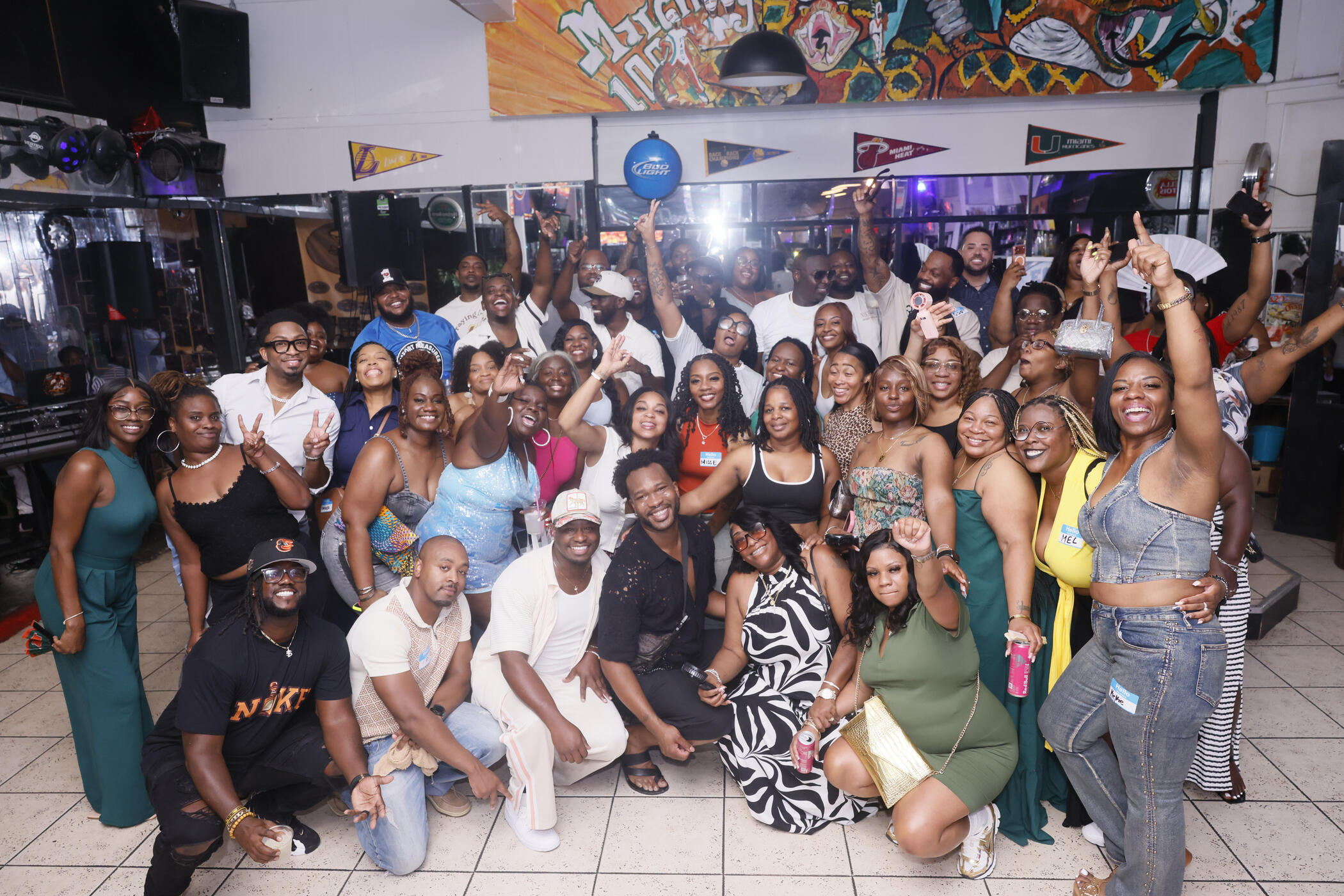
Two hundred and four of us walked across that stage in 2006. Twenty years later, we filled a lounge, a park, a ballroom, a sanctuary, and a brunch table.Thank you to every classmate who traveled, paid, planned, cooked, decorated, set up, broke down, and showed up.The photos are below. Save what you want. Share all of it.
The Photos
Reunion Weekend Photos & Videos
Professional coverage from the whole weekend. Photography by @nikesmilez
Throwback Photos & Videos
Everything the class dug up. High school, football games, prom, graduation.
Legacy Gala Presentation
The deck from Saturday night. Class data, Class Acts, honor graduates, officers, sponsors, administration, and the Then & Now slides.
Social Media Picture Frame
Still live. Put the 20 Years Later frame on your profile photo.
The Weekend
| Day | Event | Where |
|---|---|---|
| Fri (7/31) | Reunion Lounge | LRS, Quincy |
| Sat (8/1) | Jaguar Jam | St. Hebron Park, Quincy |
| Sat (8/1) | Legacy Gala | Bricks & Brass, Tallahassee |
| Sun (8/2) | Church Service | New Jerusalem, Havana |
| Sun (8/2) | Farewell Brunch | 1908 Havana |
Friday we mixed and mingled. Saturday morning we cooked out at the park. Saturday night we put on black tie for the Legacy Gala. Sunday we worshipped together and closed it out over brunch in 20 shades of blue.
Stay Connected
The weekend is over. The class is not.
Keep up with what comes next, and make sure we can reach you.
If you never submitted your contact info, do it now. That list is how we reach you for the 25th.
Help Us Find Classmates
Some classmates may have never heard about the reunion at all. If you are in touch with anyone who missed it, send them this page. We want everyone on the list before next time.
Questions or Feedback?
Reach the reunion planning team through the Facebook group or send an email.
Social Media Picture Frame
Frame Generator (Automatic)
Once classmates. Forever connected.
Frame your photo
Put the 20 Years Later frame on your profile picture. Your photo stays on your device.
Saved to your downloads
On a phone, press and hold the image above, then choose Save to Photos.
Drag to move. Pinch or scroll to zoom.
The Frame (Manual)
On a phone, press and hold the image above, then choose Save to Photos.On a computer, right-click and select Save Image As.
< Back